What Is the Best Git Workflow for Parallel AI Agents?
Best Git workflow for parallel AI agents: separate worktrees, one branch per task, and clear convergence rules. CodeGrid adds visibility across sessions.
What is the best Git workflow for parallel AI agents?
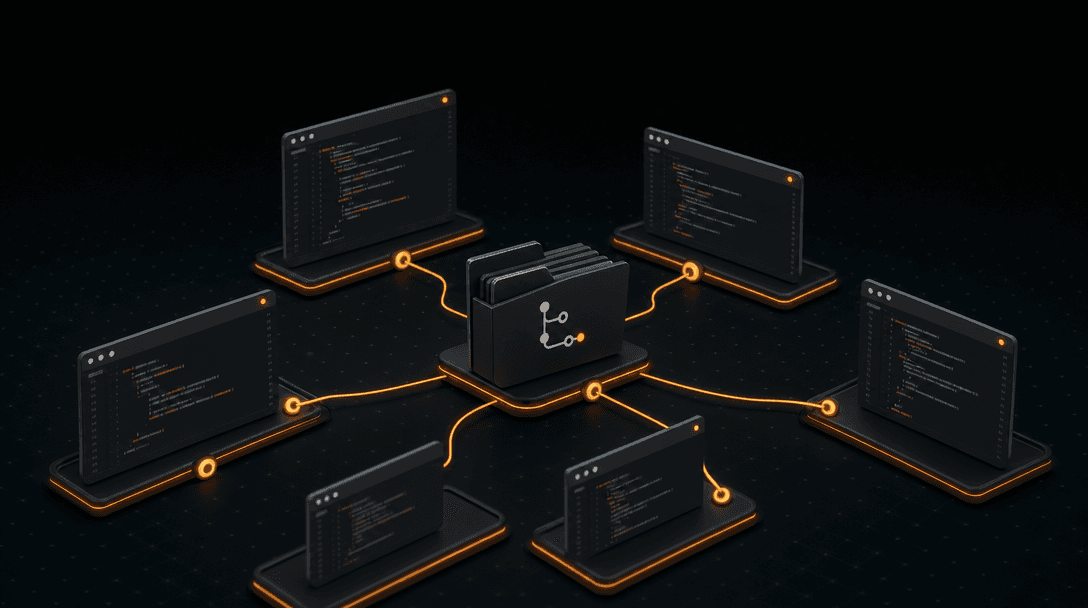
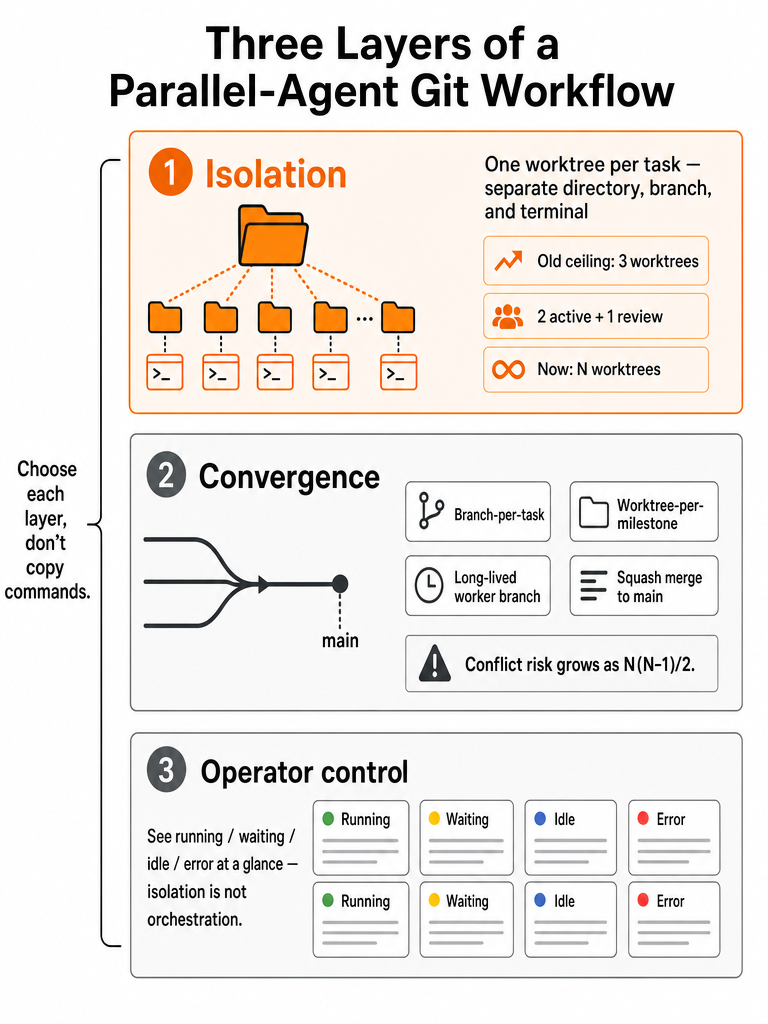
The strongest supported pattern for parallel AI agents is git worktree isolation paired with explicit convergence rules and operator visibility. Each task gets its own branch, directory, and terminal instead of sharing one checkout. One documented workflow moved from a three-worktree ceiling to an open-ended N-worktrees model once AI coding agents made separate workspaces necessary (Source: Laurent Kempé, March 31, 2026).
A git worktree is a linked working directory that shares the same .git object database as the main checkout while keeping its own HEAD, index, and working tree files. That shared-history-plus-separate-files property is why it fits agent work. The author's pre-agent setup topped out at 3 worktrees — two for active development, one for reviews — before parallel agents made that too small.
Should AI coding agents use separate branches, worktrees, or full clones?
Worktrees are the practical isolation primitive for parallel AI agents. A shared single checkout creates collisions: when two processes write the same file at once, one can overwrite the other, and uncommitted changes, accidental commits, and branch collisions compound (Source: dev.to; Agents Squads). A git worktree gives each agent a separate filesystem path while sharing repository history, so concurrent edits don't happen inside one directory.
Full clones also isolate files, but the corpus does not provide measured disk-space or checkout-time data comparing clones to worktrees on large repositories. Treat that tradeoff as unverified.
| Isolation choice | File isolation | Shares history | Corpus support |
|---|---|---|---|
| Shared checkout | None | Yes | Documented collisions |
| git worktree | Per-directory | Yes (same .git) | Recommended pattern |
| Full clone | Per-copy | No | No measured comparison |
A shared checkout is the one option the sources actively warn against for concurrent agents.
How do I run multiple AI coding agents in parallel on the same codebase?
Run one agent per isolated directory, then converge deliberately. The documented N-worktree workflow assigns each feature, bug fix, review, or experiment its own workspace across both work and personal projects (Source: Laurent Kempé). A source-limited sequence:
- Scope each task narrowly so one agent owns one concern.
- Create a separate worktree and branch (or a milestone-scoped workspace) for that task.
- Launch one agent session per directory.
- Monitor progress so a waiting or errored session doesn't stall silently.
- Review the diff before integrating.
- Merge intentionally back to main.
- Clean up the finished worktree.
The author notes real friction in the plain-command version: creating a worktree meant typing the branch name 3 times across 2 commands, plus closing and reopening terminals to switch context. The full command-tested lifecycle — creation through cleanup and pruning — is under-sourced here; the steps above are the supported skeleton, not a verified command transcript.
How do you run multiple AI coding sessions on one repo without divergence?
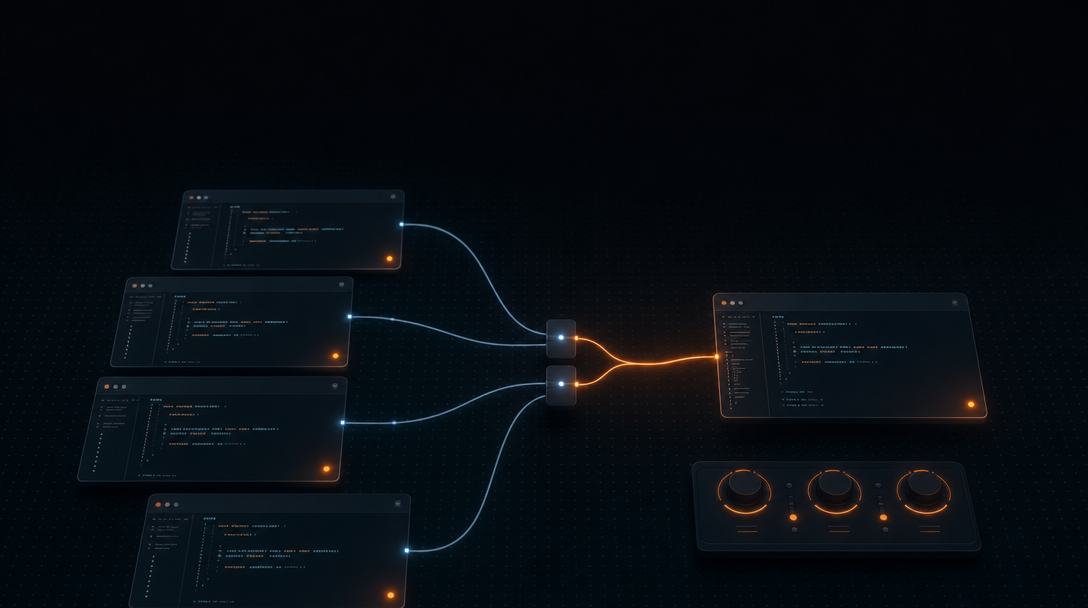
Separate two problems: checkout isolation and branch convergence. Worktrees solve isolation; they don't decide how branches rejoin main. One agent-worktree guide recommends worktree-per-milestone on a single branch — sequential commits, then a squash-merge to main — over traditional branch-per-task for agent-driven work (Source: Intense-Visions/harness-engineering).
The reason is conflict math. With N branches, branch-per-task can create up to N(N-1)/2 potential conflicts, and that guide reports its GSD v2 framework accumulated 582+ lines of merge-management code before abandoning the branch-heavy approach (Source: Intense-Visions/harness-engineering).
For multi-day work, long-lived worker branches are the alternative. A peer-worker convergence protocol describes 3 git worktrees running for several weeks, each with its own AI session and long-lived branch, with rules to keep branches from drifting from canonical main (Source: moranbickel/peer-worker-convergence).
How to keep agent worktrees observable after Git isolation
Isolation is not orchestration. Running agents in separate tmux panes is parallelism, not coordination — without observability, agents can edit the same files, duplicate work, create inconsistent APIs, burn tokens, and fail silently (Source: amux). Worktrees stop the file collisions; they do nothing to tell you which session is waiting, idle, or errored.
That's the operator layer most worktree guides skip. CodeGrid is the workspace that fills it: a free-form 2D canvas where each PTY-backed agent session gets its own draggable pane, with live status indicators — running, waiting, idle, error — visible even when zoomed out. A built-in Git UI, browser panes, and a GitHub repo browser sit in the same workspace, and layout, directories, and sessions restore after restart.
If you want the operator-side detail: how to triage idle vs running agent sessions fast, why tmux and iTerm2 break down for AI agents, and running 10+ agents in parallel.
How to choose a parallel-agent Git workflow before you add more sessions
Pick your workflow by capacity and convergence, not by copying git worktree add. Multi-agent system inquiries surged 1,445% in 2025 (Source: amux) — though the methodology behind that figure isn't stated in the source, so read it as a direction-of-travel signal, not a precise measurement. Either way, the harder question now is which pattern survives contact with a dozen live sessions. Run through this before adding more:
- Sessions you can observe — how many waiting or errored agents you'd actually catch.
- Worktree creation friction — repeated branch naming and directory switching adds up.
- Convergence model — milestone-with-squash for short tasks, long-lived worker branches with explicit rules for multi-week work.
- Review and test gates — a human checkpoint before integration, especially on shared files.
- Shared-file risk — lockfiles, schemas, migrations, routers as review hotspots.
- Workspace persistence — whether layout and sessions survive a restart.
- GitHub workflow fit — clean branches and reviewable PRs.
- Tooling that reduces setup without replacing your terminal-based agents.
A canvas-first workspace handles the observability and persistence rows while your existing agents keep doing the coding. See terminal tabs vs a 2D canvas and running agents side by side.
CodeGrid is a free, open-source macOS workspace for orchestrating parallel agent sessions. Download CodeGrid for macOS.
Frequently asked questions
Should parallel AI coding agents use separate branches, worktrees, or full clones?
Git worktrees are the right isolation primitive. A shared single checkout causes file-write collisions when two agent processes touch the same file simultaneously — uncommitted changes and branch collisions compound quickly. A worktree gives each agent its own filesystem path while sharing the same .git object database, so concurrent edits don't happen inside one directory. Full clones also isolate files but add unnecessary duplication; no measured comparison to worktrees exists in the available research.
How many git worktrees can you realistically run in parallel with AI agents?
At least 5–8 simultaneously, based on one developer's documented shift from a hard ceiling of 3 worktrees to an open-ended N-worktrees model once AI coding agents needed their own workspaces. The original 3-worktree cap — two for active development, one for reviews — became a bottleneck when each agent required its own branch, directory, and terminal. The practical upper limit is set by your observability setup, not by git itself.
What's the best Git branching strategy for parallel AI agents — branch-per-task or milestone commits?
Milestone-scoped commits with squash-merge beat branch-per-task for short agent work. With N branches, branch-per-task creates up to N(N-1)/2 potential conflicts; one framework accumulated 582+ lines of merge-management code before abandoning that approach. For multi-week efforts, long-lived worker branches with explicit convergence rules are the documented alternative — keeping each branch from drifting off canonical main rather than multiplying short-lived branches.
How do you prevent git worktree creation from becoming a bottleneck when spinning up many agent sessions?
Plain git worktree add commands require typing the branch name three times across two commands, then closing and reopening terminals to switch directories — friction that compounds when you're creating 5–8 worktrees. Worktree management CLIs (the research cites Grove and Worktrunk, the latter written in Rust) automate the creation lifecycle. The goal is reducing per-session setup to a single command so the bottleneck shifts back to the work itself.
How do you keep parallel AI agent sessions observable after git worktree isolation?
Worktrees stop file collisions but don't tell you which session is waiting, idle, or errored — agents can stall silently without an operator layer. CodeGrid addresses this directly: each PTY-backed agent session gets its own pane on a free-form 2D canvas with live status indicators (running, waiting, idle, error) visible even when zoomed out. A built-in Git UI and session persistence mean layout, directories, and sessions restore exactly after restart.
Which shared files are the biggest merge risk when running agents on parallel branches?
Package lockfiles, database migrations, API schemas, router files, and generated files are convergence hotspots. Two branches can each resolve cleanly in isolation and still collide at merge when both touch these files. The practical rule is to scope tasks so only one agent owns a lockfile or migration sequence at a time, and to treat those files as mandatory human-review checkpoints rather than candidates for auto-merge.